A real-time fishing competition tracker — built in 2 days, tested on a boat
This is the story of how I turned that into a real product using Figma MCP and Claude Code — and what I learned when I tested it on the water.
This is the story of how I turned that into a real product using Figma MCP and Claude Code — and what I learned when I tested it on the water.
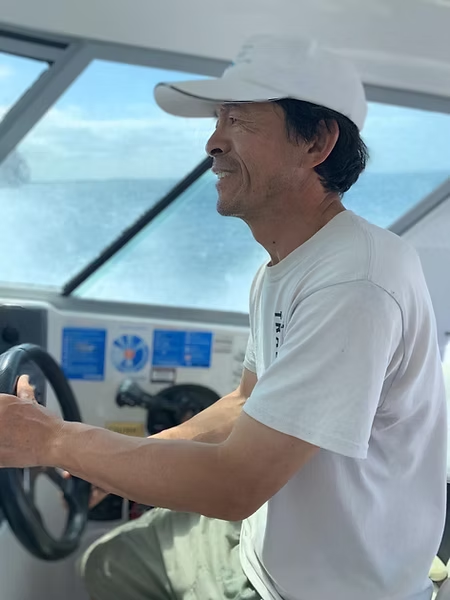
Meet my dad
Captain Michael Wang is a maritime captain with 30 years of ocean experience, a graduate of Maritime University Dalian with first-class honours, and a certified NZ Coastguard boating education tutor. A lifelong mariner and champion for water safety, he has spent his career helping people experience the joy of the ocean — safely. He runs NZ Legend Boating on the Waitematā Harbour in Auckland — charter fishing trips for groups wanting a great day on the water.
Every year he runs an informal fishing competition for his clients — biggest fish per species (Snapper, Kingfish, Kahawai, Trevally, Gurnard, John Dory) wins a prize. His system for tracking it: a physical diary and the Notes app.
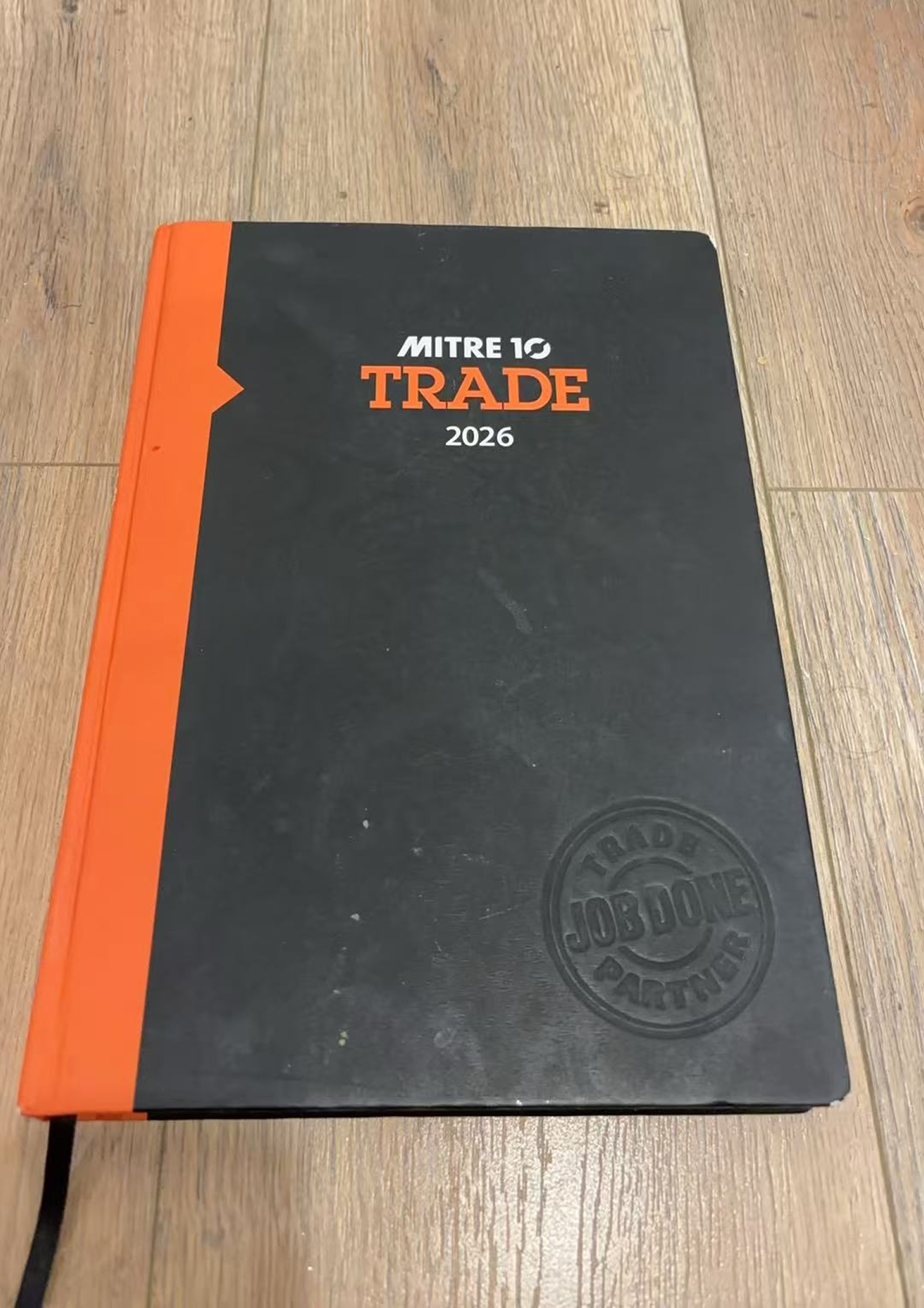
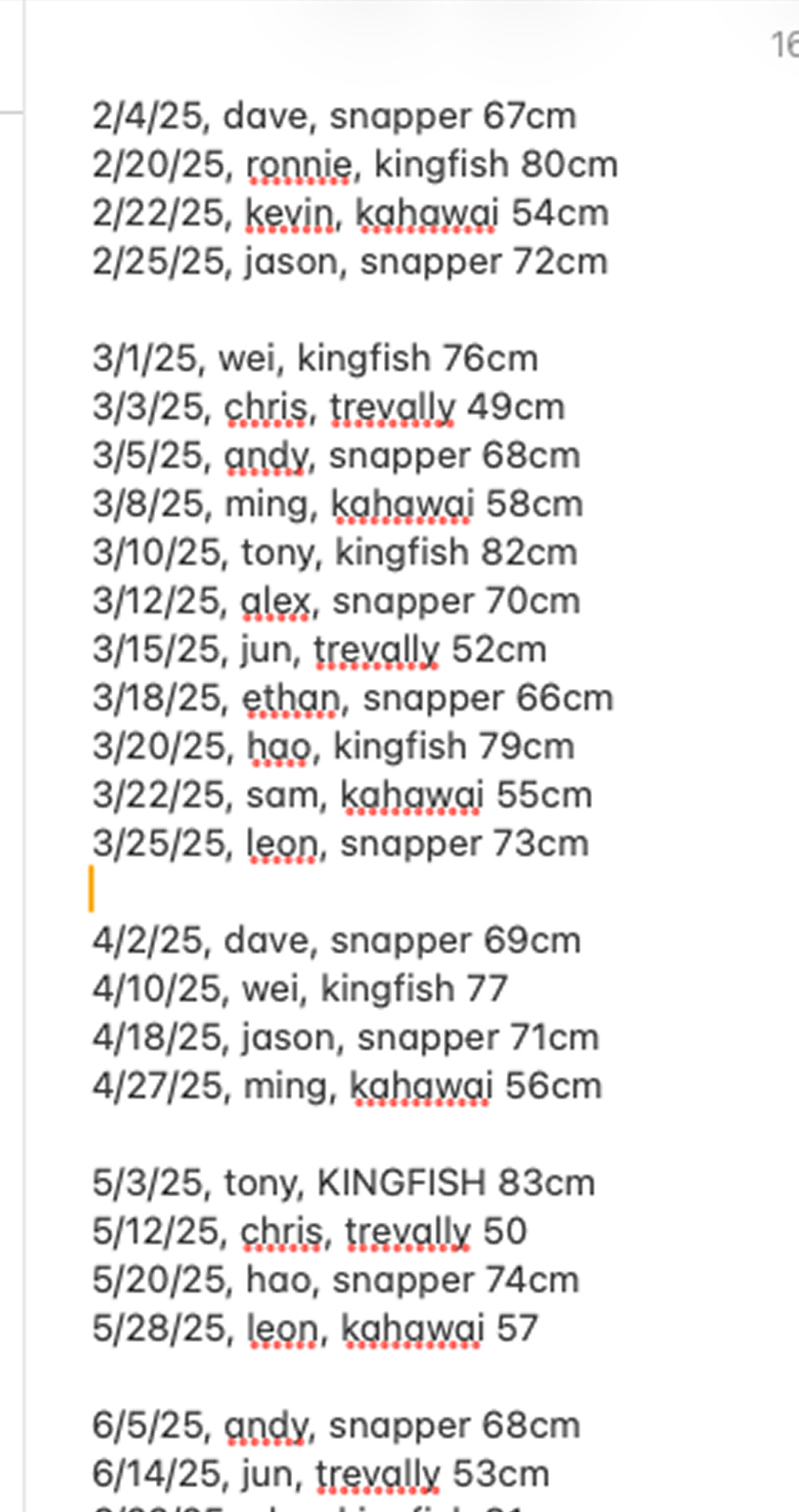
Hooked replaces both with a single shared system that updates in real time for everyone on the boat.
Understanding the different contexts of use was critical. The same app needs to work for an excited 28-year-old who just pulled a Kingfish from the water with salty hands, and a 60-year-old maritime captain who shouldn't need to think about it at all.
25–50 year old professionals, uni students, young families. Phone-native. Competitive and social. On a moving boat, possibly with wet or salty hands, in bright Auckland sunlight — wanting to share the moment with mates.
60 years old. Maritime captain background. Not a tech person — and shouldn't need to be. He needs the competition to run itself passively, with a large, simple, forgiving admin experience when something needs fixing.
Handles setup, maintenance, and troubleshooting remotely from Sydney. The product needs to be stable enough that I'm not getting phone calls mid-trip.
Early on, Hooked was a tracker for dad, easy for him to keep track of the competition.
Clients log their fish if they want to be part of the competition.
Clients would only log a catch if they felt it was impressive enough to enter.
Most clients are not coming on the boat to win the competition, they are coming out for a great day on the water. Reframing to a catch log gives them the excitement of tracking what they catch and competing with their mates. The yearly competition just sits on top.
Asking clients to opt into a competition filtered out casual anglers. "Record your day" removes that filter entirely, everyone logs, and dad's leaderboard gets more complete as a side effect.
Designed for unique conditions. Wet hands. Bright sunlight. A moving boat. The excitement of just catching a fish.
Key information readable in 2 seconds. Large text, maximum contrast. Sized for sunlight.
Big tap targets. One-handed. No small or fiddly interactions. Designed for the catching hand.
Confirm before submit. Easy to go back. No accidental deletes. Errors should be recoverable.
Minimum steps to log a catch. No account creation for clients. First name is enough.
A fun day out. The UI should feel joyful, not clinical. Logging a catch should feel like a reward, not a chore.
Dad needs to feel the data is accurate and he's in control. Admin features are simple and clear.
Before writing a single line of code, I mapped out the full user journey on paper — the client flow on top, the admin flow below. Getting this clarity upfront is what made the Figma MCP handoff to Claude Code so clean.
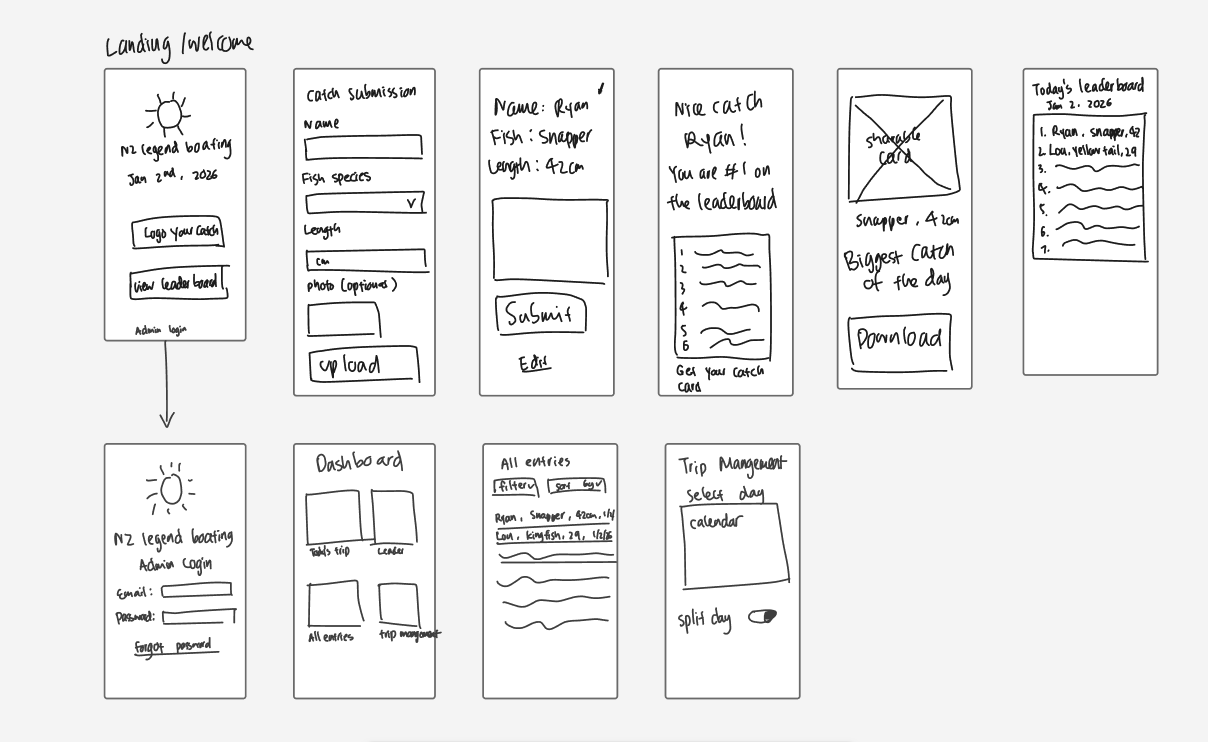
Early framing positioned Hooked as a competition tracker. Reframing to "trip catch log with a competition layer" changed the entire product feel. Clients want a record of the day — the rankings are a bonus. This shift made the product genuinely useful even without a competition running.
Login means instant drop-off. A client who just pulled a fish from the water has 30 seconds of attention. First name only — enough for the leaderboard, not enough to create friction. The tradeoff (no identity verification) is managed by admin edit/delete and the existing honour system on the boat.
I rejected per-trip QR codes — too much admin burden for dad. One QR code, laminated, permanently fixed to the boat. It never changes. Auto trip creation handles date logic invisibly. For the 20% of days that run as split morning/afternoon charters, a simple admin toggle activates that option — the 80% case never sees it.
A slider looks cleaner but is imprecise and fiddly on a moving boat. A number pad is faster, more accurate, and familiar. This was a deliberate UX decision caught during prototyping — the slider failed the moment I imagined someone entering 67cm with one hand on a moving deck.
Initial logic ranked anglers overall. That felt wrong — some anglers value certain prized fish regardless of size. Someone might pull a prized John Dory from the water that's a lot smaller than a Snapper, and it still deserves its moment. Corrected to per-species ranking: "This John Dory is #1 on the boat!" Tied ranking logic was also built in from the start.
Once a photo is taken, showing "Remove" felt destructive and risky on a moving boat. "Retake" is more forgiving and achieves the same practical result. The Skip & Log Catch button is always an active teal CTA — never greyed out — so the optional step never feels like a blocker.
The most important thing I learned: finish the design in Figma before writing a single line of code. Naming frames clearly — 01-Name-Entry, 02-Species-Picker — meant Claude Code could locate any screen instantly. Less time hunting, more time building.
| Stage | What happened |
|---|---|
 Figma Figma |
Full UX design completed first — flows, visual identity, component system, all screens. Nothing handed to Claude Code until every frame was named and every interaction was decided. |
| Figma MCP |
Connected via OAuth in a separate terminal. Gave Claude Code direct read access to every Figma frame — no copy-pasting specs or describing layouts in words. |
 Claude Code Claude Code |
Built the React + Tailwind PWA from the Figma specs. Design decisions I'd already made translated cleanly into code. Logical errors I caught during build — like per-species ranking and retake vs remove — were easy to fix because the design was already clear. |
 GitHub GitHub |
Version controlled throughout. One commit per feature, so every decision has a paper trail. |
 Netlify Netlify |
Deployed and live within 2 days of starting. |
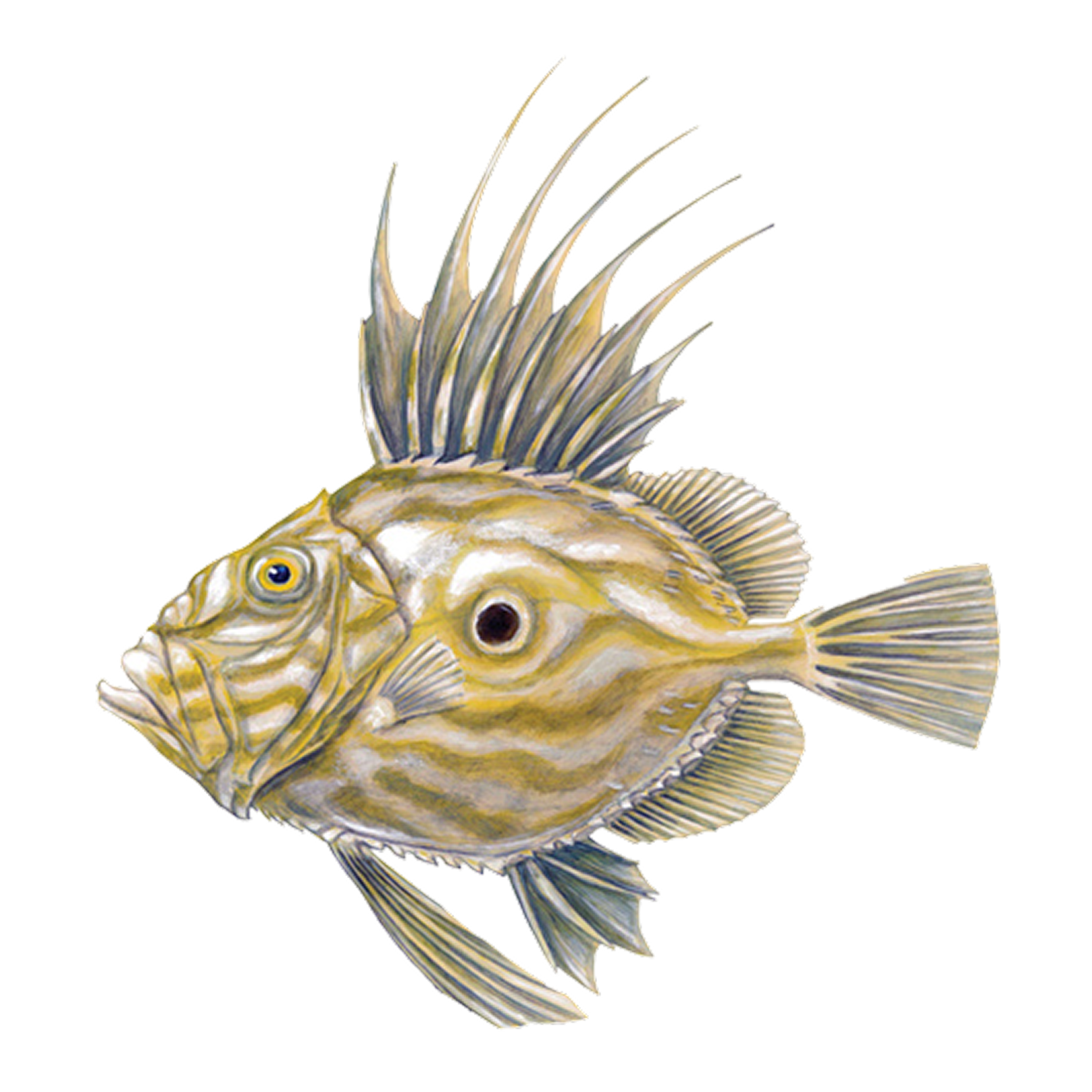
Deep ocean colours, teal accents for interactivity, gold for winners and celebration. Species illustrations generated in Midjourney as vintage natural history fish prints — familiar enough to be legible in sunlight, distinctive enough to be delightful.
Display: Unbounded · Body: DM Sans (minimum 16px) · All species illustrations at 3× for retina sharpness.
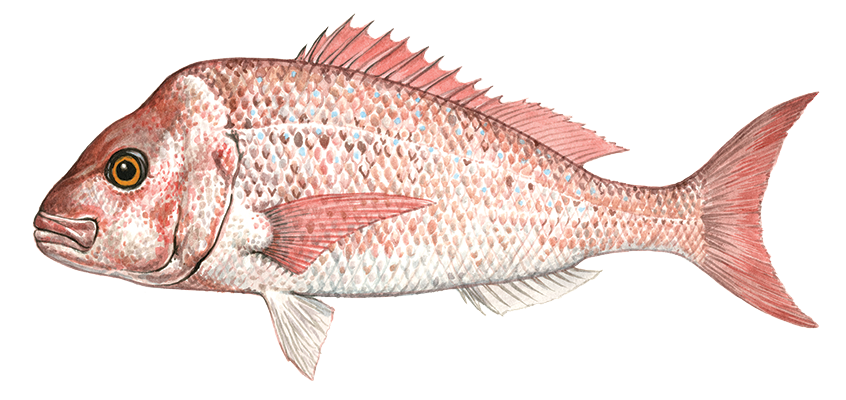
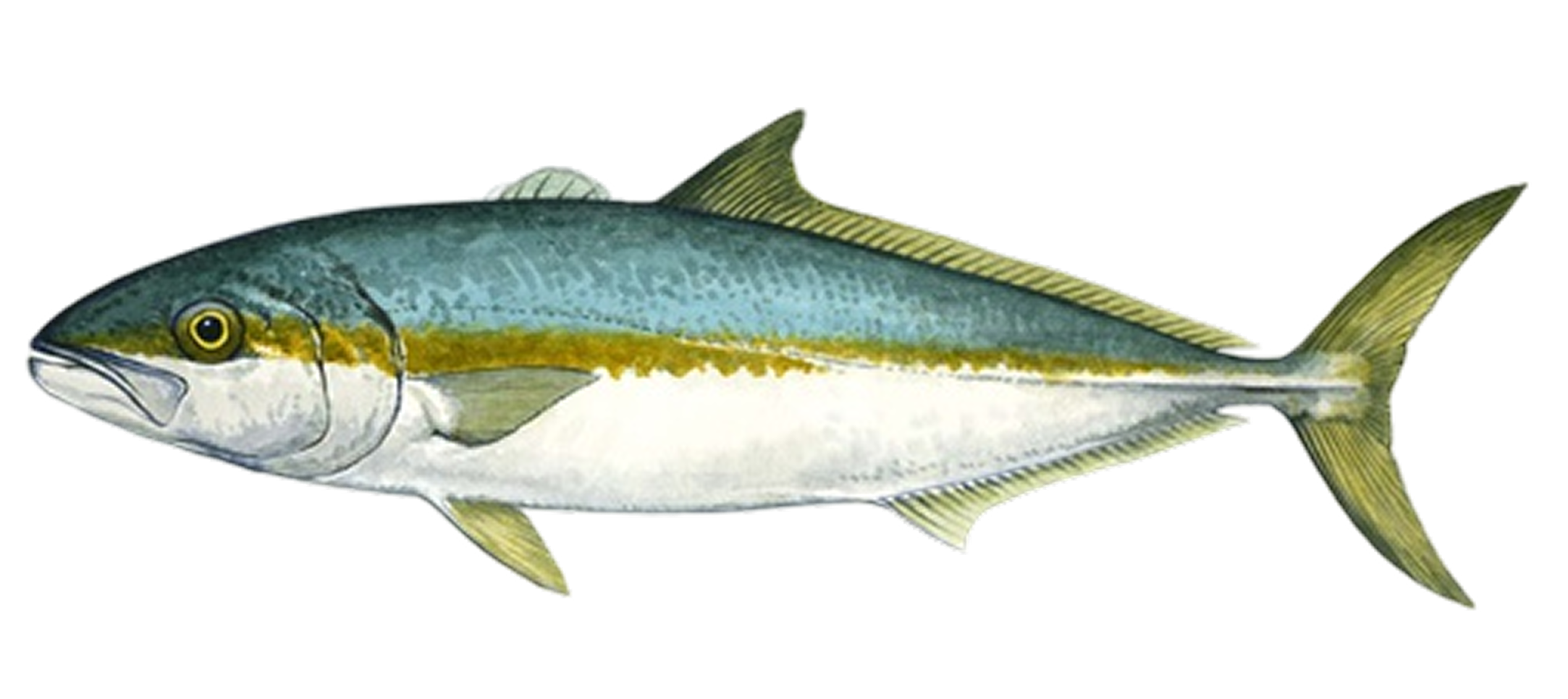
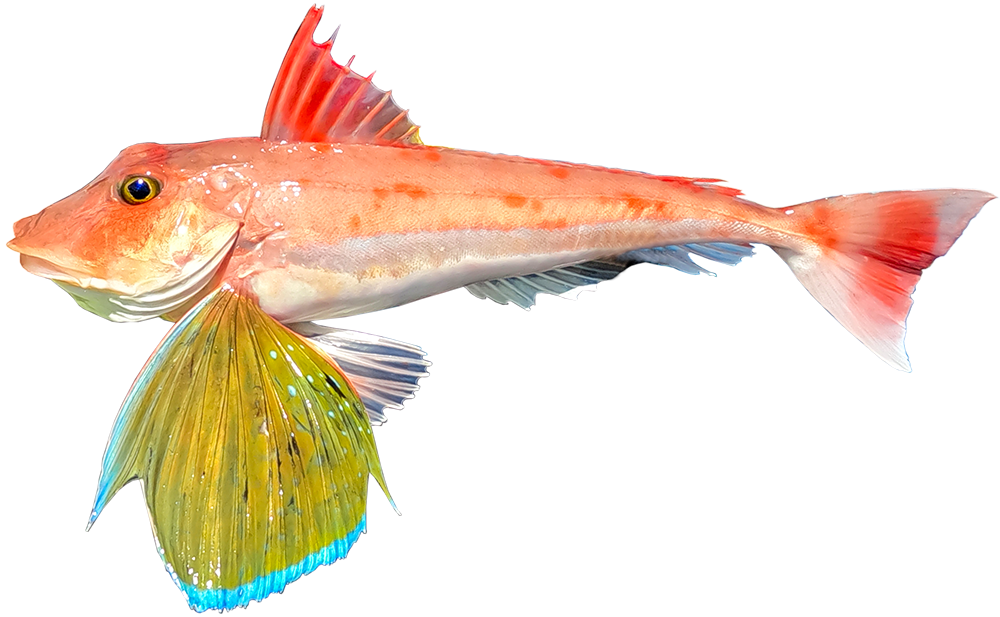
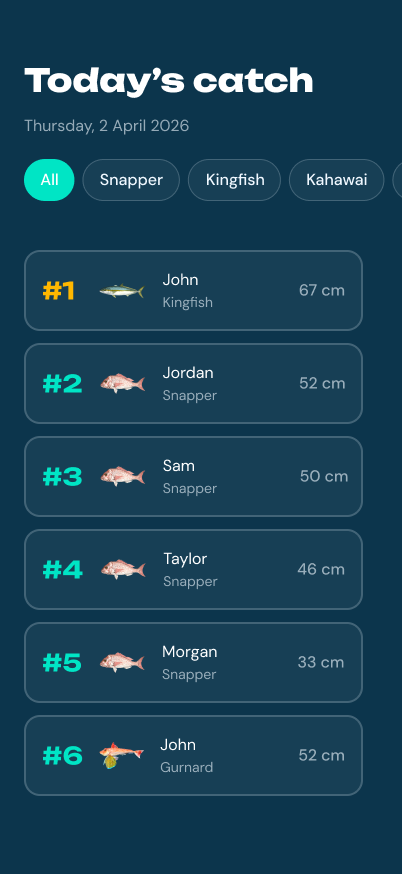
From splash screen to leaderboard — the full user journey, built and live.
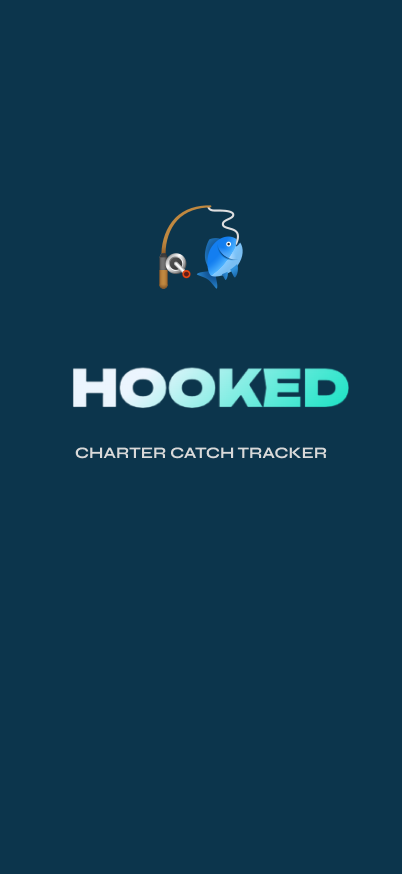 00 · Splash
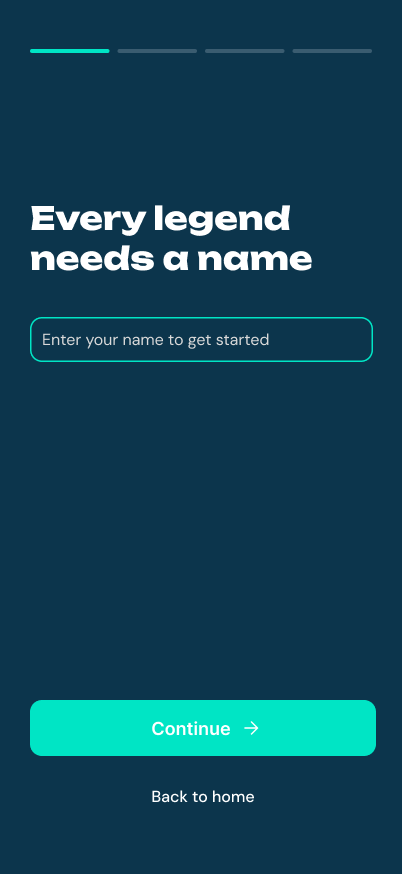 01 · Name Entry
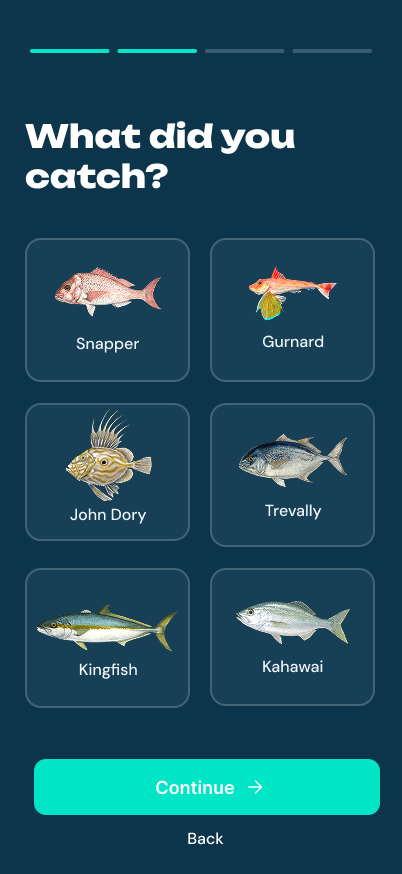 02 · Species Picker
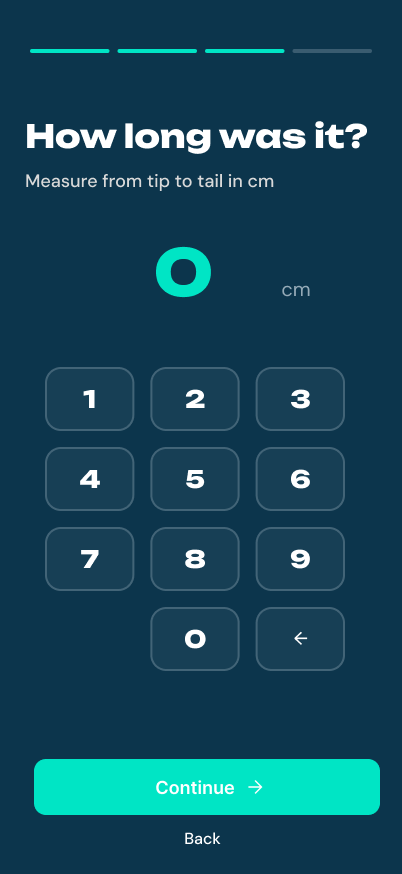 03 · Length Input
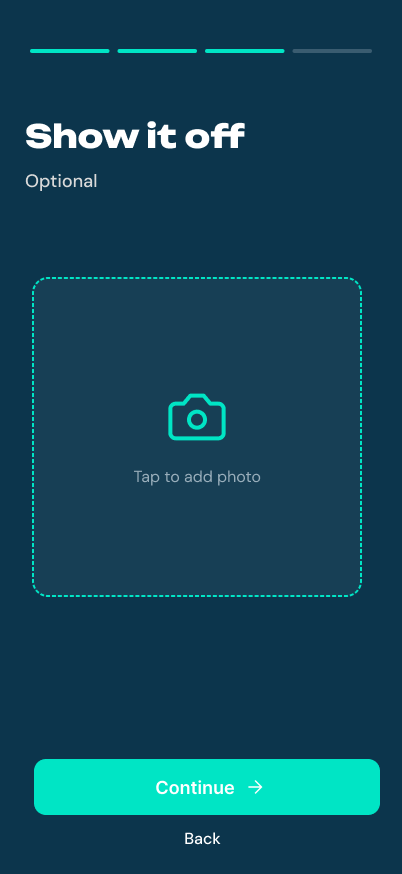 04 · Photo Upload
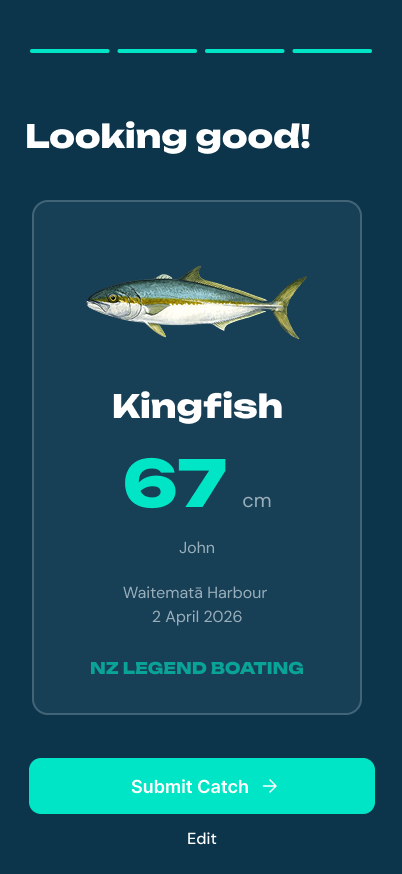 05 · Review
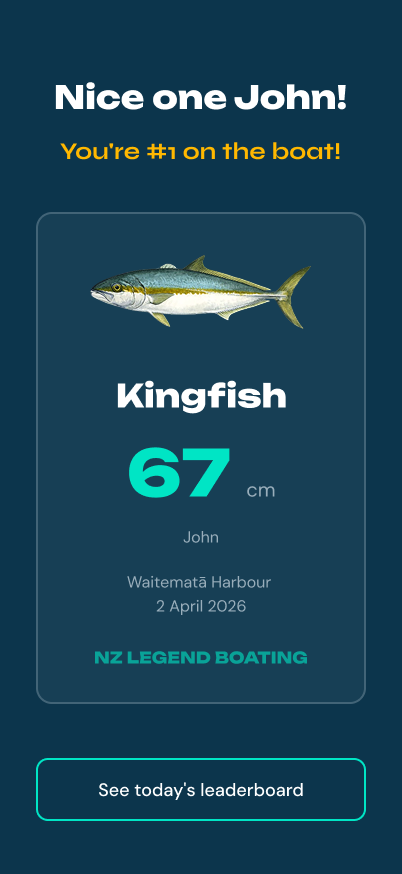 06 · Success Card
07 · Leaderboard
06 · Success Card
07 · Leaderboard
The client-facing app was only half the problem. Dad needed a way to run the competition in the background, without much tech support. Same visual language, same fish illustrations, completely different job: glanceable status, forgiving edits, zero technical thinking required. Designed for desktop since that's where he manages the business, and built to WCAG AAA contrast standards since his eyes aren't what they used to be.
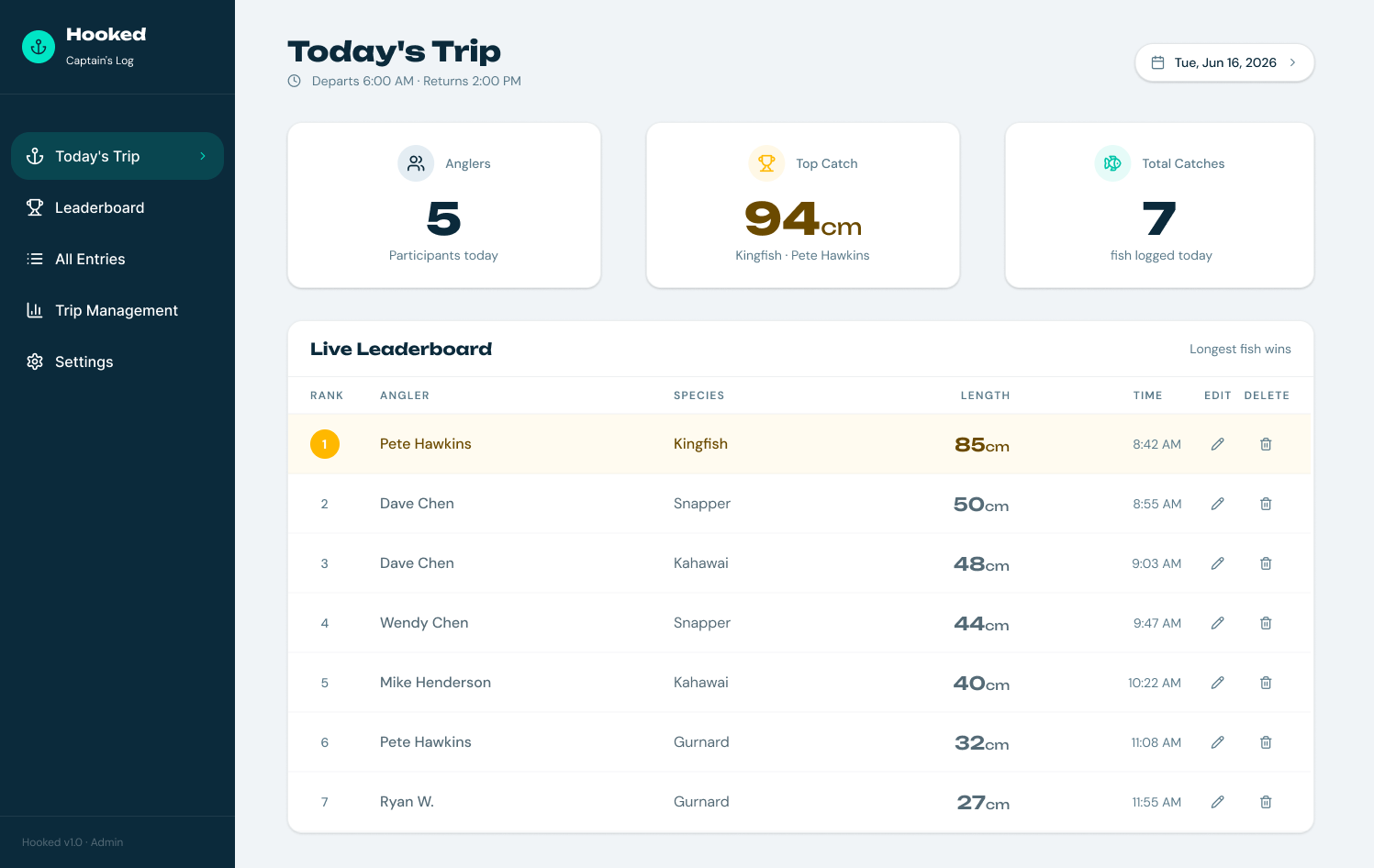
Gives him the whole day at a glance — anglers, top catch, total catches — with a live leaderboard he can edit or delete from directly if a client mis-types a length.
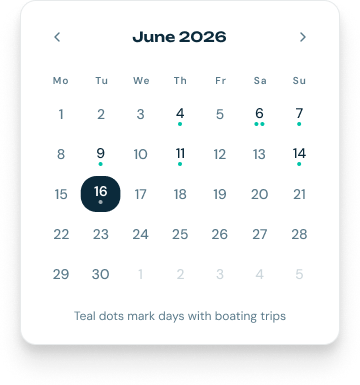
Marks every trip day with a teal dot, and split morning/afternoon charters get two dots side by side. He can see his whole month of bookings without opening anything.
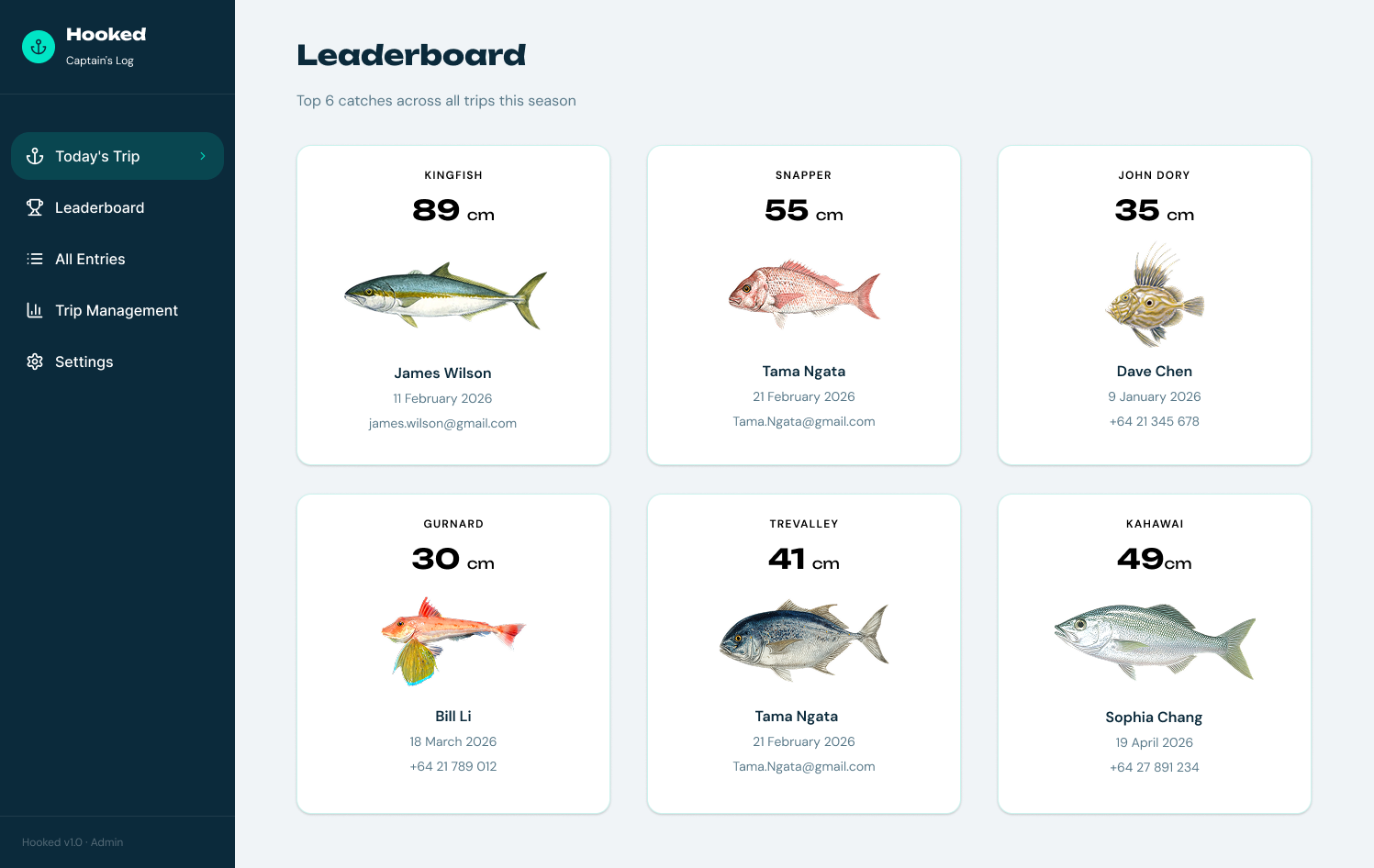
Shows the season's biggest catch per species, reusing the same fish illustrations from the mobile app — so the whole product feels like one system, not two.
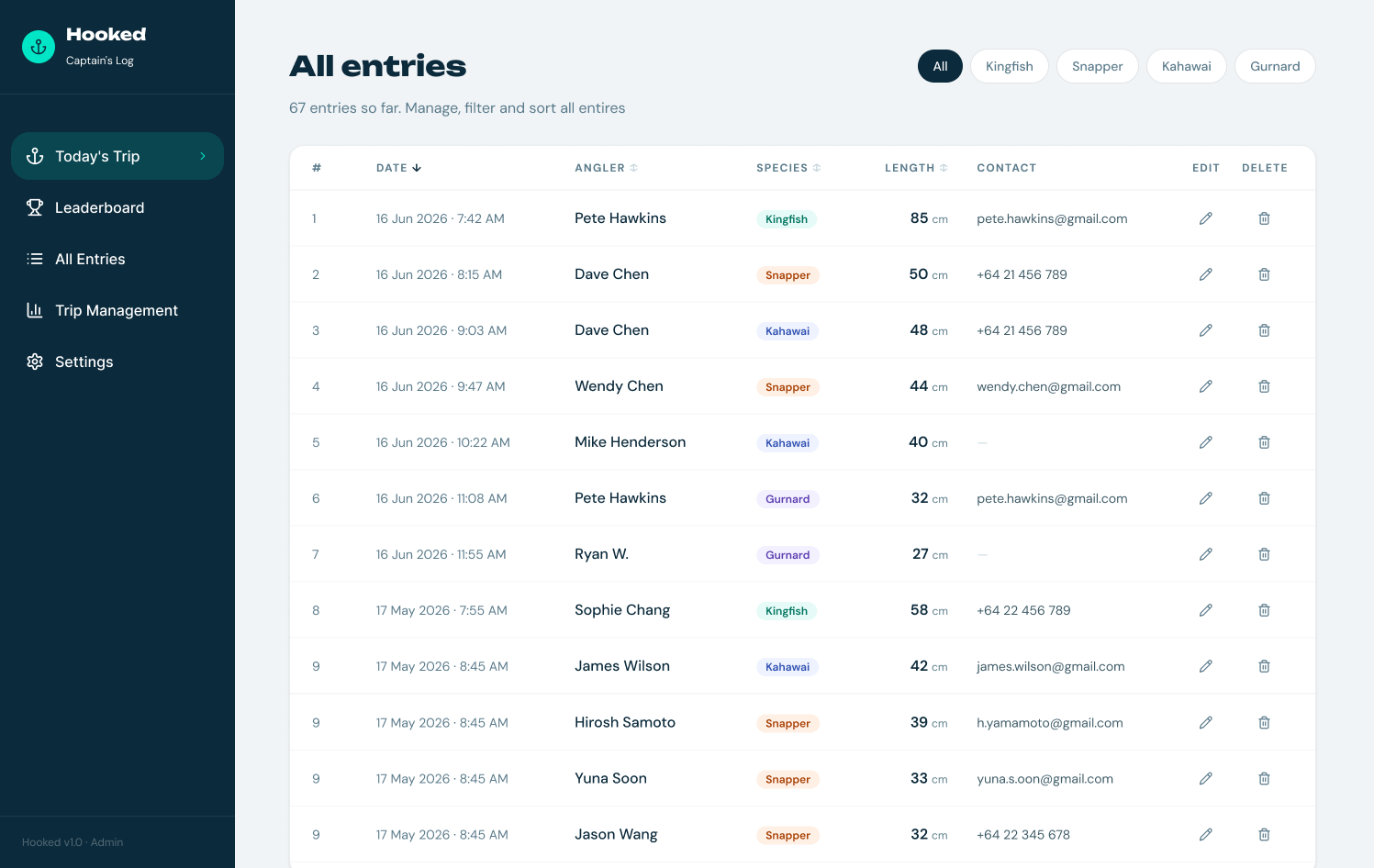
The safety net: every catch, filterable by species, editable or deletable in two taps if something needs fixing.
The app worked. Seeing someone scan the QR code, log a Kingfish and watch it appear on the leaderboard on a real boat on the Waitematā with real people catching real fish was genuinely surreal. However, I hit a major roadblock.
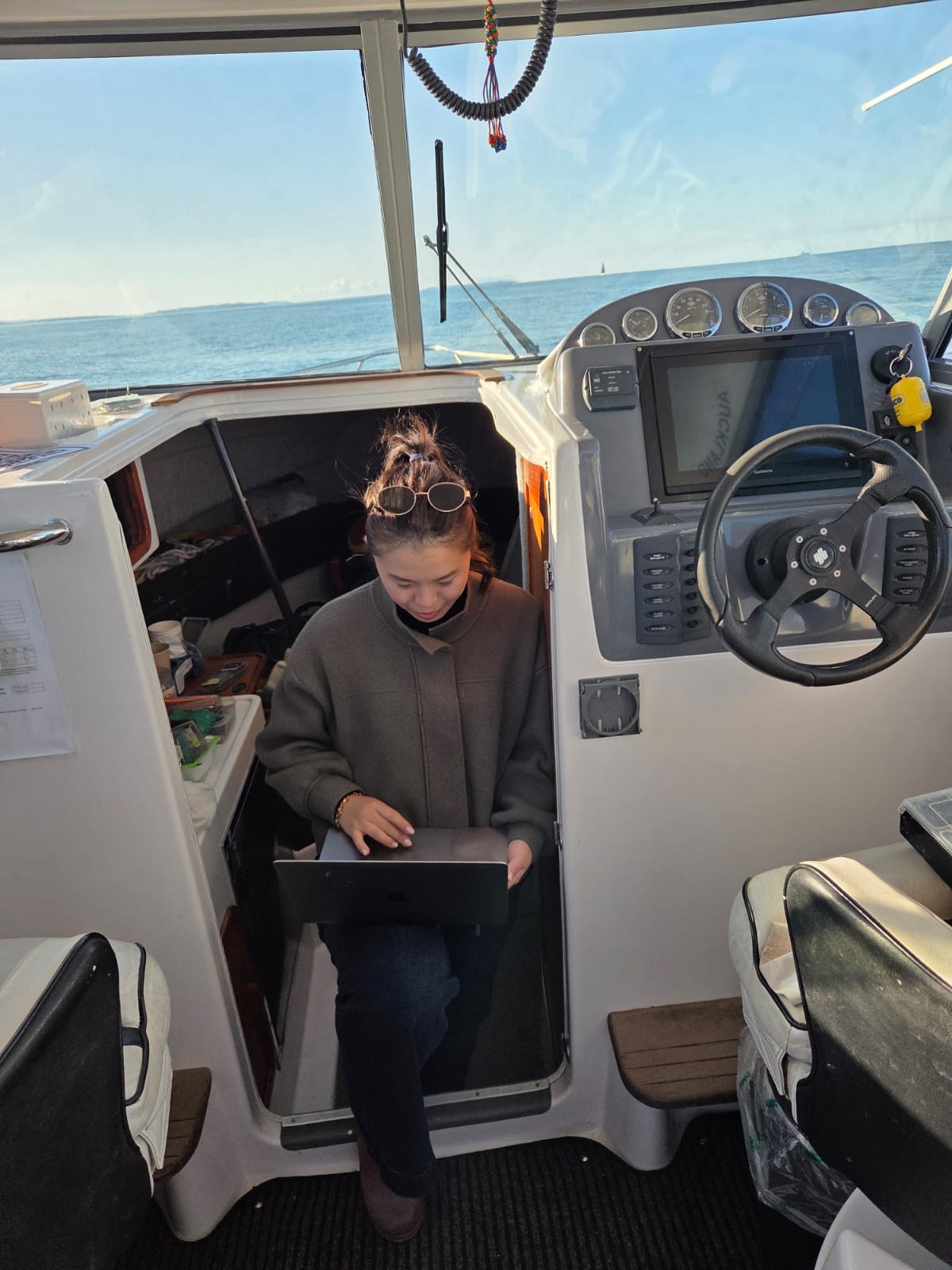
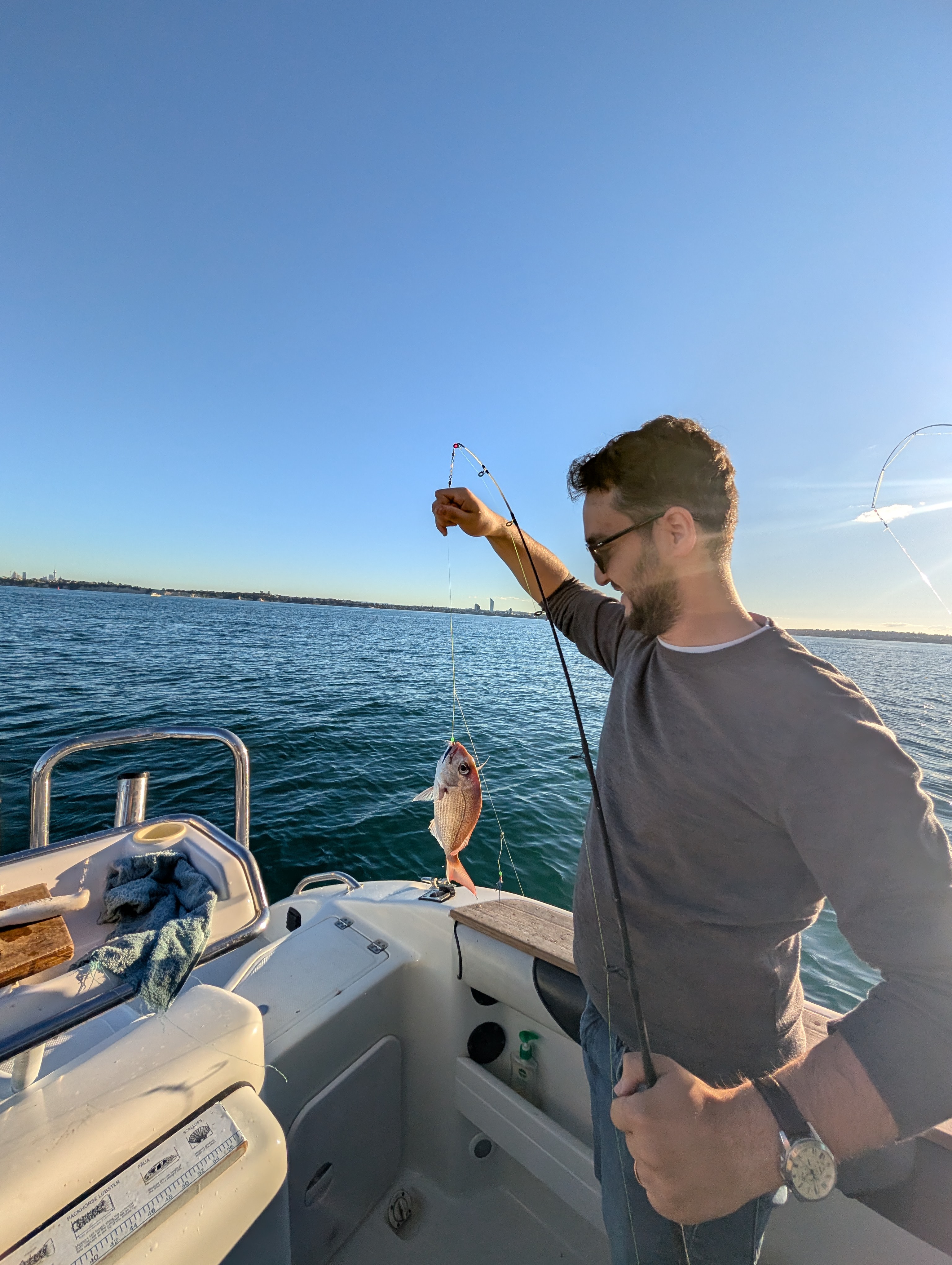
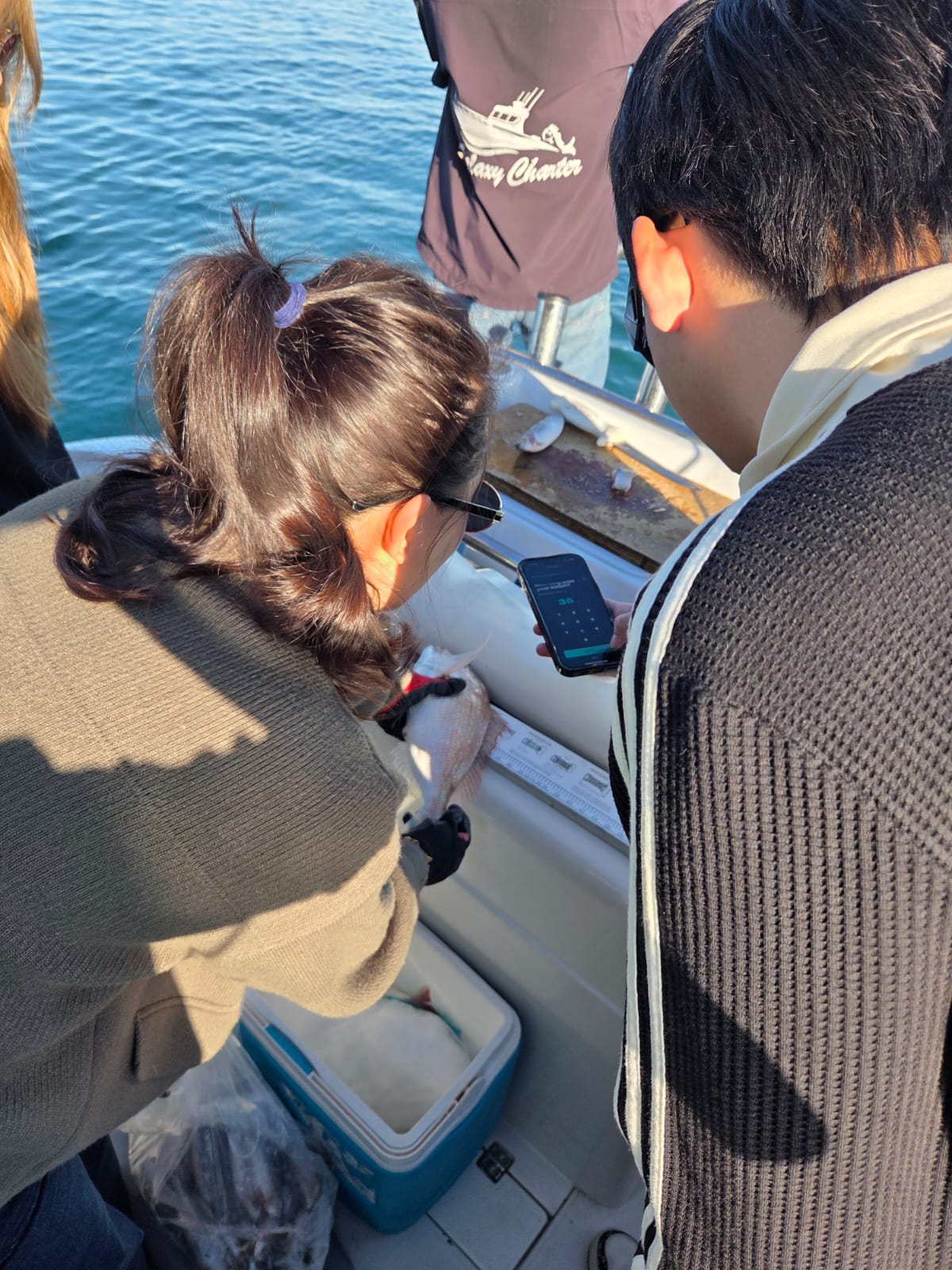
localStorage stores data per device. On a boat with five people logging catches on their own phones, every screen showed a different leaderboard. The fix is Firebase Firestore, which I'm migrating to next — a reminder that social features need shared persistence from day one.
Water and paper don't mix. Lesson learned.
I once signed up for a Mobile Computing course at USyd not realising it was designed for final-year CS students. I had no coding background. At the time it felt like climbing a mountain just to survive. Now, building Hooked with Claude Code, I could feel that foundation paying off. Prototypes tell you what something looks like. Shipping tells you how it actually works.
The app is deployed and in use on the Waitematā. Open it on your phone.